If you have spent any time online lately, you already know that the way people work has shifted. Writers, designers, students, and small business owners are getting things done in half the time compared to just a few years ago. A big reason for that is access to genuinely useful, free AI tools, and Google has quietly built one of the strongest collections of them available today.
This guide covers six free Google AI tools you should know about in 2026, what each one actually does, and how to put them to work without wasting time figuring things out from scratch.
Why Google Specifically?
There are dozens of AI tools floating around the internet right now, and plenty of them are worth using. But Google’s offerings tend to have a few things going for them that random startups don’t. They’re stable, they’re generally free or low-cost to start, they connect well with services most people already use like Google Drive and Docs, and they get updated regularly.
For anyone looking at free AI tools for content creation or productivity, Google’s lineup in 2026 is a solid starting point, especially because the tools complement each other well when used together.
1. NotebookLM
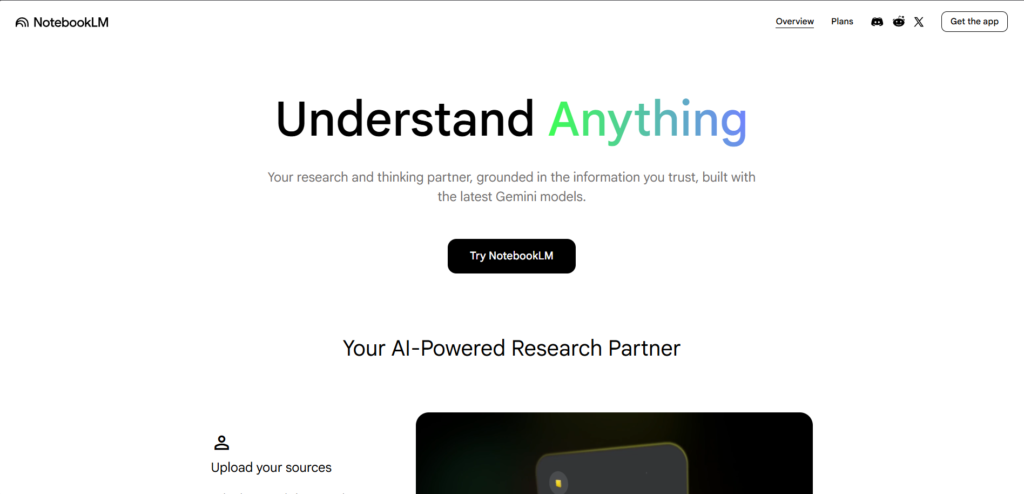
NotebookLM is probably the most underrated tool in Google’s current lineup. At its core, it’s a research assistant, but what makes it different from a standard chatbot is that it works from your own documents rather than just pulling from the general internet.
You upload PDFs, notes, research papers, or any text documents you’re working with, and NotebookLM reads them. From there, you can ask it questions, request summaries, pull out key points, or ask it to turn your notes into something more structured.
For students working through dense reading material, researchers dealing with large document sets, or writers who need to organize their notes before drafting something, this tool genuinely changes how the work gets done. It stays grounded in what you’ve given it, so the answers are much more relevant than what you’d get from asking a general AI assistant the same questions.
It’s one of the best free Google AI tools for anyone who regularly works with a lot of information and needs help making sense of it quickly.
2. Gemini Canvas
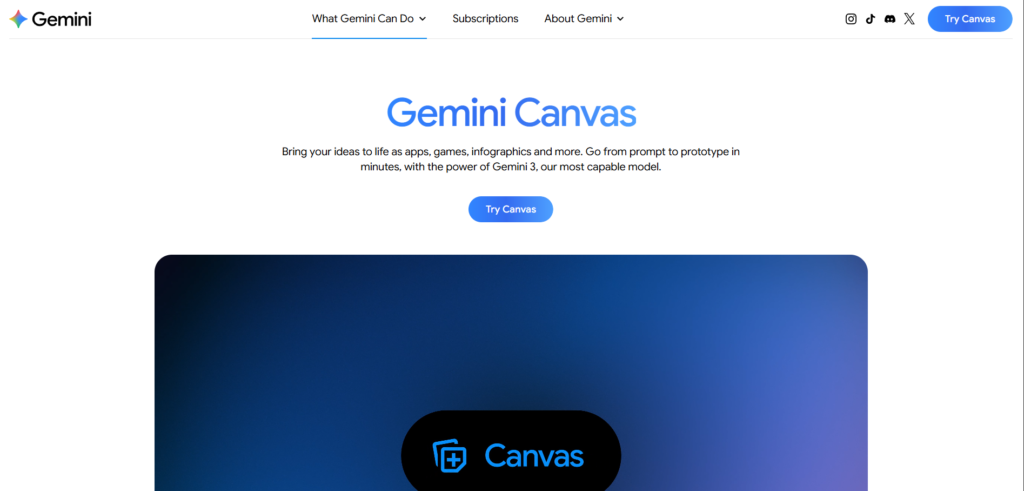
Gemini Canvas is not just a writing tool. It’s a creative workspace where you can turn an idea into something fully built, whether that’s an app, a game, an infographic, or an interactive prototype, all starting from a simple text prompt.
The best way to understand it is this: instead of describing what you want to build and then going off to build it yourself, you describe it inside Gemini Canvas and it starts building right there. It runs on Gemini, Google’s most capable model, which means the output is detailed, functional, and ready to work with in minutes rather than hours.
For someone who has a clear idea but lacks the technical skills to execute it, this changes a lot. A small business owner who wants a simple interactive tool for their website, a teacher who needs a custom infographic for a lesson, or a developer who wants to move from concept to working prototype without the usual back and forth, all of them can get meaningful results out of Gemini Canvas quickly.
The speed is probably its most impressive quality. Going from a prompt to a working prototype in minutes used to require either strong technical skills or a team. Gemini Canvas brings that capability to anyone willing to describe what they want clearly.
For creators, marketers, and builders looking at the best free Google AI tools in 2026, Gemini Canvas sits near the top of the list for sheer creative range.
You can also use ready-made tools to speed up document creation. For example, if you want a quick and professional format, try this free Bio Data Maker . It helps you generate clean, structured biodata instantly without any design or formatting effort.
3. Stitch
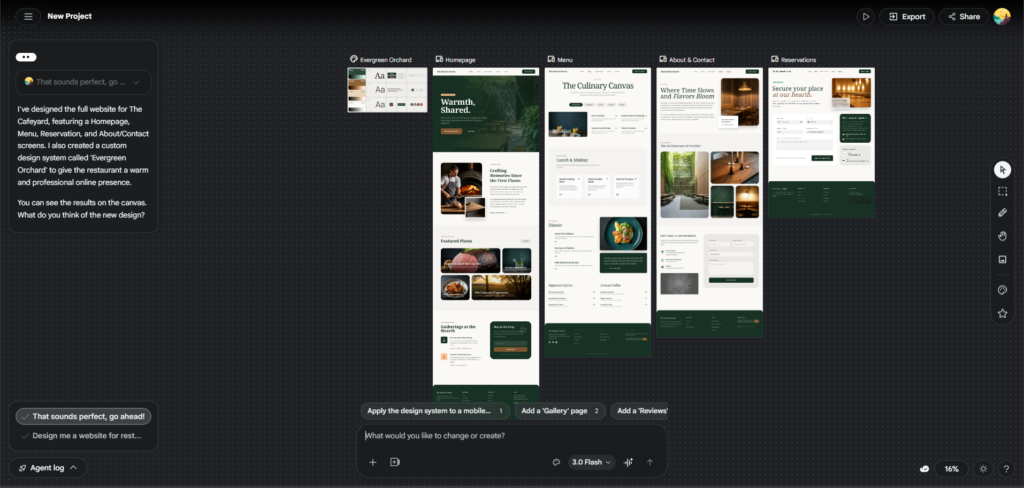
Most people who want to design something, whether that’s a landing page, an app screen, or a simple website layout, run into the same problem: professional design tools have a steep learning curve. Stitch is Google’s answer to that.
You describe what you want in plain language, and Stitch generates a UI layout based on your description. It’s aimed squarely at people who have a clear idea of what they want something to look like but don’t have the time or background to build it in something like Figma.
For freelancers who need to show clients a rough concept quickly, for developers who want to prototype before building, or for anyone who needs a decent-looking layout without hiring a designer, Stitch gets the job done. The results are clean and modern, and you can iterate by refining your prompts rather than adjusting individual design elements by hand.
It’s a practical addition to the Google AI tools list for 2026, especially for small teams and solo creators.
4. Pomelli
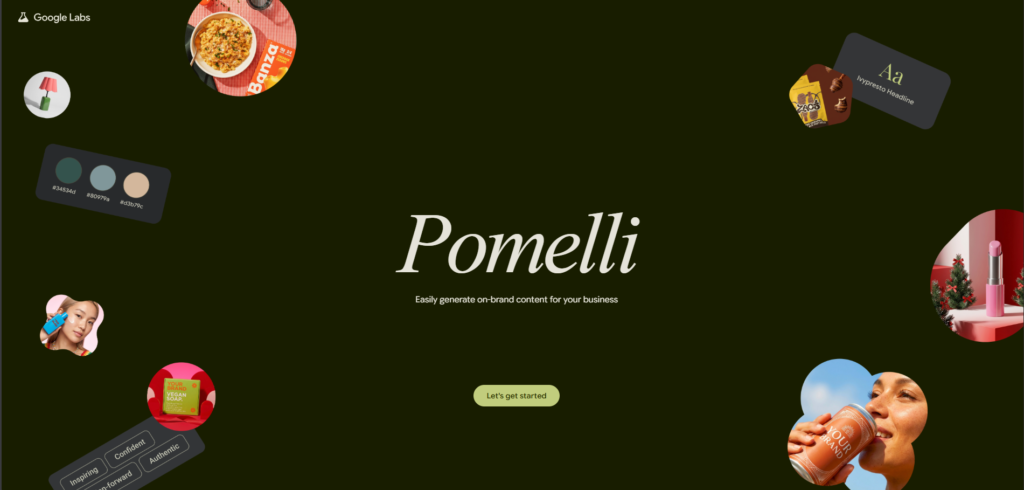
Pomelli is an experimental tool from Google Labs built for marketing campaigns. It brings together both content and visuals in one place, so instead of jumping between a writing tool and a separate design tool to put a campaign together, you can handle both from a single workspace.
The way it works is simple. You define your brand, your audience, and what the campaign needs to achieve, and Pomelli helps you generate the content and images that go with it. Whether you’re putting together a social media campaign, a product launch, or promotional material, it’s designed to keep everything on-brand and consistent across the pieces you create.
For small businesses and solo marketers who don’t have a full creative team behind them, this is particularly useful. Building a campaign normally means writing copy, sourcing or creating images, and making sure everything looks and sounds like it belongs together. Pomelli compresses that process considerably.
It’s still in the experimental phase through Google Labs, which means it’s actively being developed and refined. That also means it’s free to try right now, which makes it worth exploring before it potentially moves into a paid tier later.
For anyone looking at free AI tools for content creation that go beyond just writing, Pomelli’s campaign-focused approach makes it one of the more practical tools in the Google AI tools list for 2026.
5. Mixboard
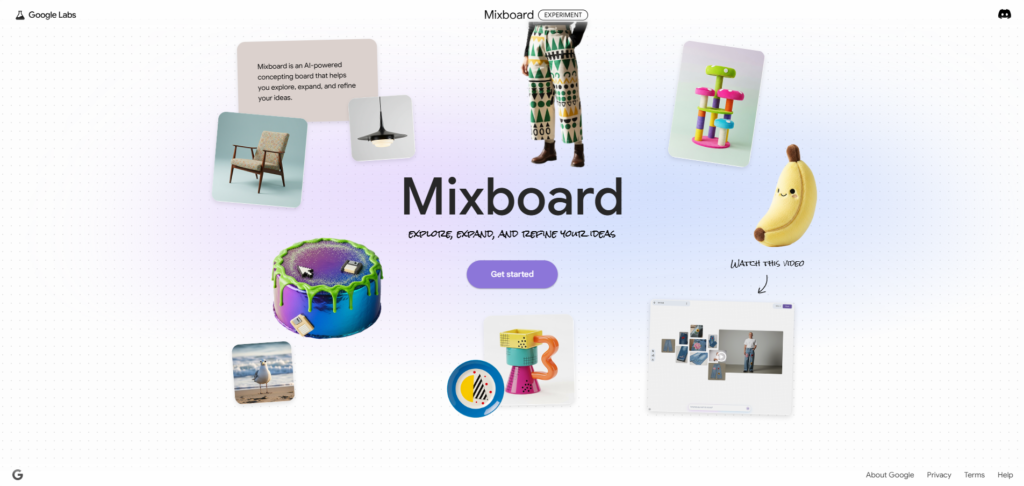
Mixboard handles the visual side of content creation. It’s a tool for generating and editing images using AI, built for people who need decent visuals quickly without a background in graphic design.
Social media content, blog thumbnails, marketing graphics, and basic promotional material are all fair game. You can generate original images from text descriptions, edit existing visuals, and experiment with different styles and formats depending on what the content calls for.
The reason this matters is straightforward: content with strong visuals consistently gets more engagement than text alone, and sourcing or creating good images used to be a real bottleneck for creators working on their own. Mixboard removes most of that friction.
It’s worth noting that AI-generated images still benefit from a human review before publishing, but for getting a solid starting point or producing quick social media graphics, Mixboard does the job well.
6. Nano Banana Pro
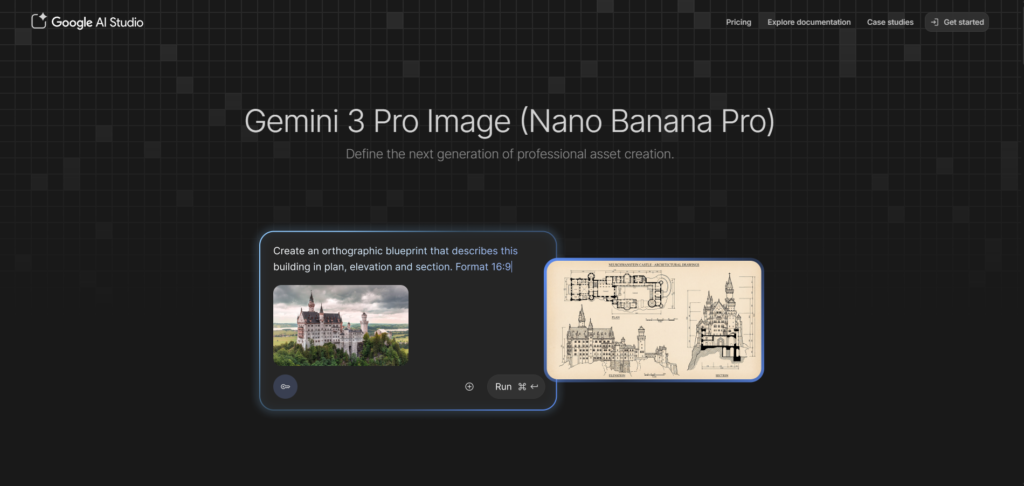
The name is a little unusual, but Nano Banana Pro is a lightweight productivity tool designed for speed. It’s not built for writing full articles or designing interfaces. It’s built for the smaller, faster tasks that add up throughout a workday.
Need a caption for a post? A hook for an email subject line? A few variations of a short script? Nano Banana Pro is set up for exactly that kind of quick-turnaround work. It gives you fast responses without the overhead of loading a more complex tool.
For social media managers, freelancers juggling multiple clients, or anyone who needs a steady stream of short-form ideas, it’s a genuinely useful addition to a daily workflow. Think of it as the tool you turn to when you need something good in two minutes rather than twenty.
Using These Tools as a Workflow
Each of these tools is useful on its own, but they’re more powerful when used in combination. Here’s a practical sequence that works well for content creation:
Start with NotebookLM if your work involves research. Upload your sources, ask questions, and pull out the key information you need. Then move to Gemini Canvas or PommelAI depending on the length and type of content you’re writing. Use Stitch if your project needs a visual layout or interface. Bring in Mixboard for any graphics or thumbnails. Use Nano Banana Pro throughout for quick copy needs like headlines, captions, or hooks.
This kind of integrated approach is where the best free Google AI tools really show their value. Each one handles a specific part of the process, and together they cover most of what a content creator, marketer, or freelancer needs on a typical day.
The Practical Takeaway
The barrier to using AI tools effectively in 2026 is lower than it’s ever been. Google has made a genuine effort to build tools that people without technical backgrounds can actually use, and the six covered here represent a solid cross-section of what’s available for free.
Whether you’re creating content, building layouts, doing research, or just trying to move faster through your daily tasks, these tools earn their place in a working toolkit. The people getting the most out of them aren’t waiting to fully understand AI first. They’re picking one tool, trying it on a real task, and building from there.
That’s as good a place to start as any.